|
|
 发表于 2026-8-25 16:06:18
|
显示全部楼层
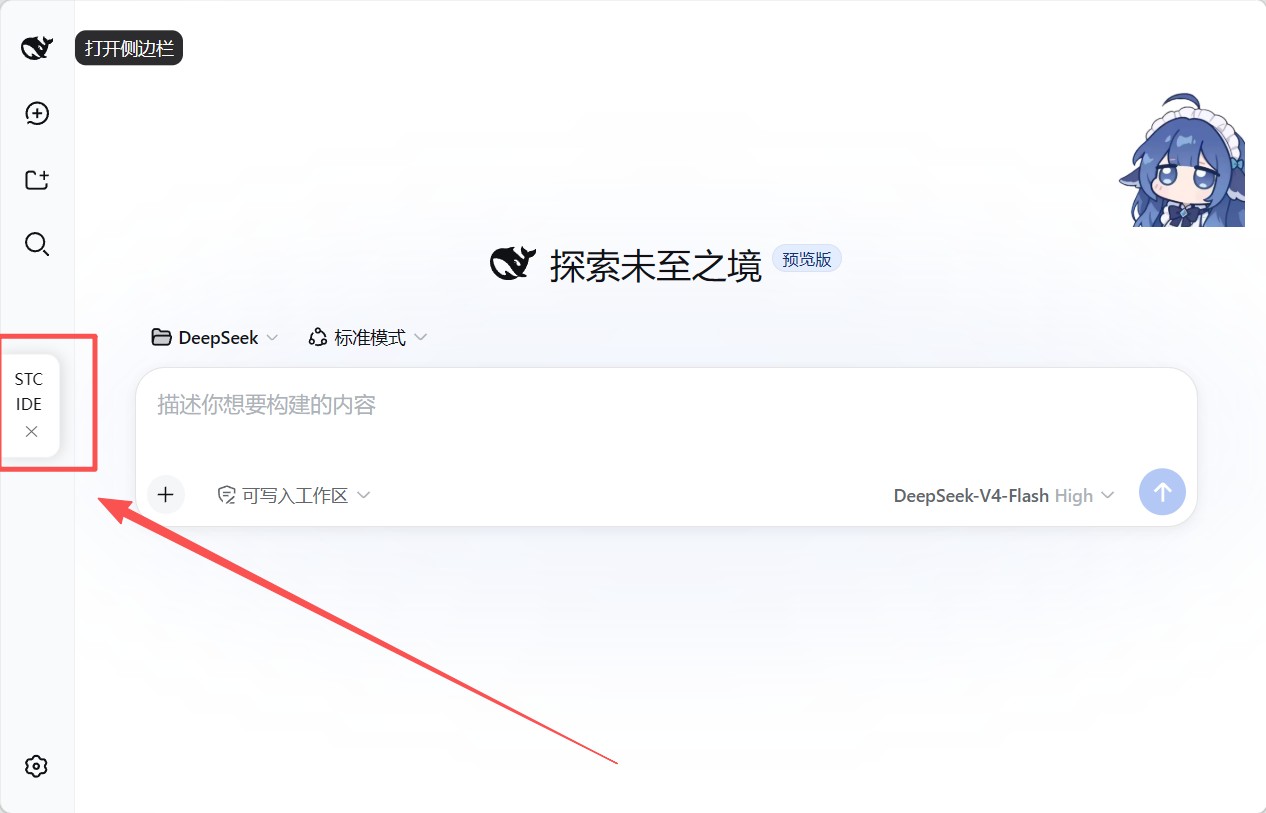
WIN10,Node 版本是 v24.14.0. 应该是最新的dsh 。stc-gui-tools 装完后重启dsh,dsh就崩了
错误提示就不贴了,原因是
=========以下为DSH说的=========
总结:stc-gui 插件安装过程的两次失败及根因
背景
stc-gui-tools.js 是宿主级 Cordis 插件,通过 %DSH_HOME%\cordis.patch.yml 注册。安装后经历两次启动/运行失败,根因分别是插件文档错误和插件代码错误。
失败 ①:DSH 启动崩溃 —— ERR_UNSUPPORTED_ESM_URL_SCHEME
现象
复制
npx @deepseek-ai/dsh web
Error: failed to import loader entry stc-gui (C:/Users/xxx/.dsh/plugins/stc-gui-tools.js):
Only URLs with a scheme in: file, data, and node are supported by the default ESM loader.
On Windows, absolute paths must be valid file:// URLs. Received protocol 'c:'
根因
cordis.patch.yml 中插件 name 按 INSTALL.md 写成了正斜杠绝对路径:'C:/Users/xxx/.dsh/plugins/stc-gui-tools.js';
DSH 的 loader 对 name 不以 .(相对路径)开头的条目,直接 import(name);
Node ESM 把 C:/... 当 URL 解析,C: 被识别为协议 scheme(类似 http:),而 ESM loader 只支持 file: / data: / node: → 抛 ERR_UNSUPPORTED_ESM_URL_SCHEME → 整个 DSH 无法启动。
修复:name 改为 'file:///C:/Users/xxx/.dsh/plugins/stc-gui-tools.js'(完整 file URL)。 责任方:插件作者的 INSTALL.md 文档写错("正斜杠绝对路径"在 Windows 上无效)。
失败 ②:运行时工具注册失败 —— Invalid schema for function 'stc_download'
现象(DSH 已能启动,但运行时报错)
复制
Invalid schema for function 'stc_download':
schema must be a JSON Schema of 'type: "object"', got 'type: null'
根因
DSH 工具注册支持两种 parameters 格式:
属性映射 { 参数名: { type, required, description } } —— 仅当用 DSH 内部的 defineTool() 包装时才被自动编译成标准 JSON Schema;
标准 JSON Schema { type: 'object', properties: {...} } —— 直接 ctx.tools.register() 时必须自带完整结构;
插件直接调 ctx.tools.register() 却传了属性映射格式(parameters: { timeoutSec: { type: 'integer', required: false, ... } }),顶层没有 type: 'object' → 投影给模型时校验失败(type 为 null/undefined);
stc_status 的 parameters: {} 空对象被当作"无参数"放行,所以只有 stc_download 报错。
修复:parameters 改为标准 JSON Schema(顶层 type: 'object' + properties),并用 DSH 自己的 assertSupportedJsonSchema 校验两个工具均 PASS。 责任方:插件代码本身的 bug(未用 defineTool() 或未写标准 schema)。 |
|

 |手机版|深圳国芯人工智能有限公司
( 粤ICP备2022108929号-2 )


 已绑定手机
 已实名认证
 发表于 2026-8-24 00:34:12



 发表于 2026-8-25 14:46:39

